Typing Games for Kids
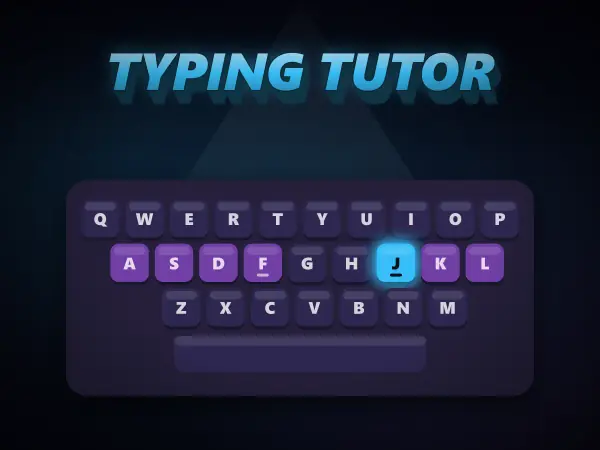
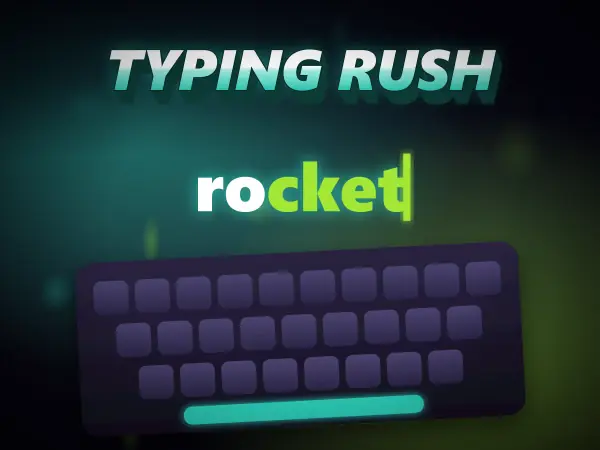
These free typing games teach touch typing properly - all ten fingers, eyes on the screen - and then let you use it. Typing Tutor walks you from the home row to the top and bottom rows, real words and full sentences, with a glowing 3D keyboard and a pair of hands that show which finger presses every key. Typing Rush is the payoff: words fall, and you type them before they land.
- 2 free games
- Ages 7-16
- No download, no sign-up
What each game teaches
Why touch typing is worth learning young
Most children teach themselves to type with two fingers and their eyes on the keys, and it works well enough until the amount they need to write grows. Hunt-and-peck typists usually stall well below the speed of a touch typist, and unlearning the habit later is much harder than learning the right one first.
Touch typing is a motor skill, not a knowledge skill, which is why lessons are built around short, repeated drills. Typing Tutor starts with only four keys under each hand - the home row, found by feeling the bumps on F and J - and introduces new keys a few at a time, so every line uses only keys that have already been taught. A colour-coded keyboard shows each finger's zone, and the hands on screen lift the exact finger to use next.
Accuracy comes first. A wrong key never costs the line; the cursor simply waits for the right one, which builds the correct movement instead of the habit of fixing mistakes. Words per minute and accuracy update live, and a one-minute typing test at the end gives a number to beat.
Typing Rush then turns speed into a game: words fall down the screen and you type each one before it lands. It is where the drilled movements start to feel automatic.
Both run in the browser with no download and no account. Typing Tutor is built for a physical keyboard, so it is best on a laptop, desktop or tablet with a keyboard attached.
Common questions
What is the best way for a child to learn to type?
Short daily lessons that start on the home row and add a few keys at a time, with the eyes kept on the screen rather than the keyboard. Accuracy should come before speed. Ten or fifteen minutes a day works far better than an hour once a week, because typing is muscle memory and it builds between sessions.
What age should kids learn to touch type?
Around seven or eight is a good time to start, once a child's hands can comfortably rest on the home row. Starting before two-finger habits set in makes it much easier.
What is a good typing speed for a child?
It varies a lot with age and practice, so accuracy is the better thing to watch at first. As a rough guide, many older children type 20 to 30 words per minute once they touch type, and around 40 is a comfortable adult speed.
Can you learn touch typing on a phone or tablet?
Touch typing is about a physical keyboard, so it is best learned on a laptop, desktop or a tablet with a keyboard attached. Typing Tutor still lets you tap its on-screen keys on a phone, but the finger habits only really develop on real keys.
Learning earns Pixels
Every game here counts like the rest of Plixoo. Finishing a run earns Pixels, the first completion of each game is worth a bonus, and you spend them on avatars, frames and themes.