Are browser games safe for kids? What to actually check
Updated · Plixoo
Short answer
Browser games are generally safer for children than installed apps, because they run inside the browser's sandbox and cannot reach files, contacts or other apps on the device. The real risks in children's gaming are rarely the gameplay: they are accounts that collect personal data, chat features that connect children with strangers, and in-game purchases. A safe game for a child requires no account, has no chat or contact with other players, cannot take payment, and stores progress on the device rather than on a server. Checking those four things tells you more than any age rating.
The four things worth checking
Age ratings are a blunt instrument. A game can be rated for all ages and still ask a seven-year-old for an email address, show them a chat box, or put a buy button two taps from the play button. These four checks are more useful.
- Does it need an account? An account means personal data is collected and stored somewhere. A game that needs no sign-up collects nothing.
- Is there chat or any contact with other players? This is the single biggest risk in children's online gaming, and it is entirely absent from games with no multiplayer.
- Can anything be bought? Check whether a purchase is possible at all, not just whether it is likely. If there is no payment path, there is no accidental spending.
- Where is progress stored? Local storage on the device means nothing about your child is held on someone's server.
Why installed apps carry more risk
A browser page runs in a sandbox. It cannot read your files, see your other apps, access your contacts or run when the browser is closed. An installed app asks for permissions and, once granted, keeps them.
Apps also have a commercial incentive that browser games mostly do not: having got onto the device, they benefit from notifications, engagement loops and purchase prompts. None of that is possible from a web page the child closed.
That is not an argument that every browser game is safe and every app is not. It is an argument that the install itself is the step worth scrutinising.
What about ads?
Most free game sites are funded by advertising, and that is worth understanding rather than being alarmed by. The thing to check is whether ads interrupt gameplay, and in particular whether they appear as fake buttons or countdown timers inside the game itself, because young children cannot reliably tell those apart from the game.
On Plixoo, games are never interrupted mid-play to show something. Advertising sits on the site around the games rather than inside them.
Which games suit younger children
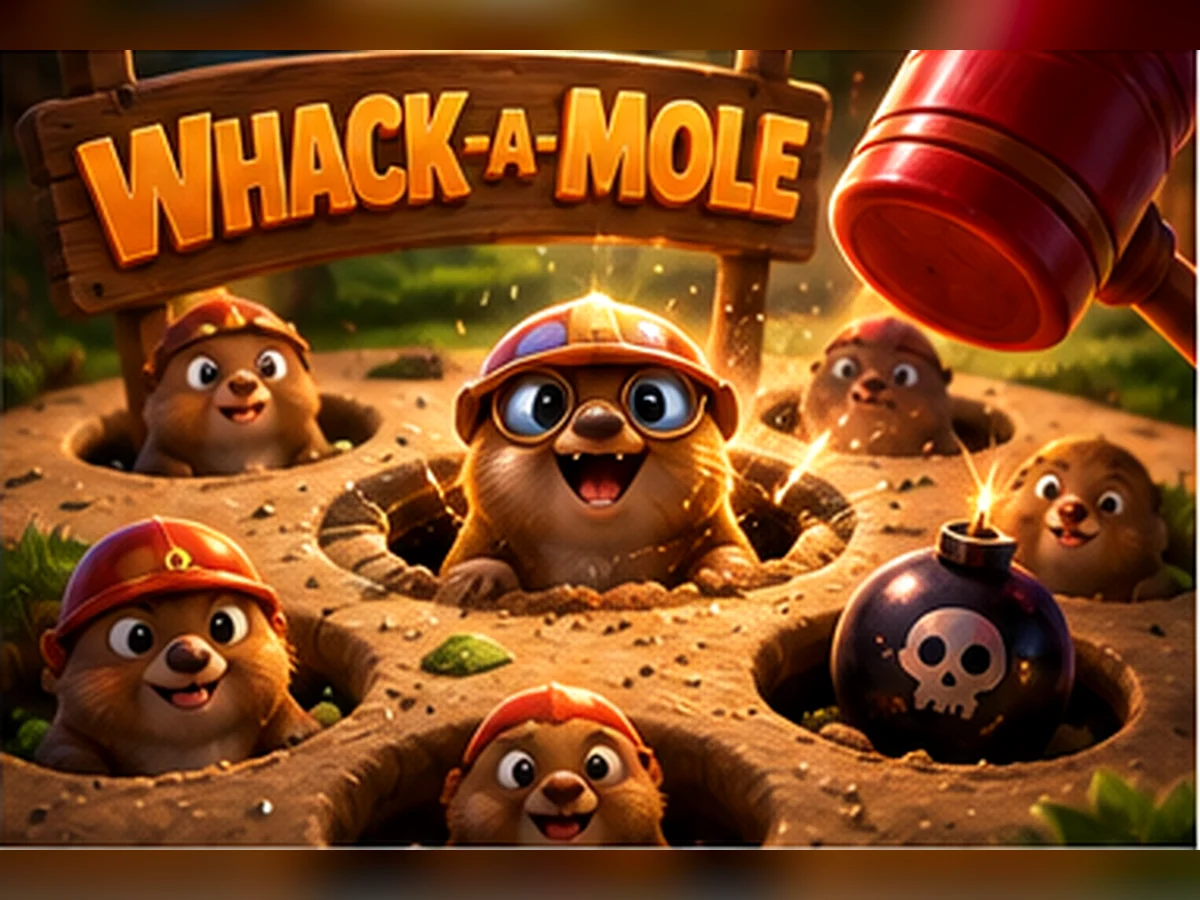
For children roughly four and up, look for tap-only controls, no reading requirement and no way to fail badly. Balloon Pop and Whack-a-Mole need only a tap. Memory Match and What's Missing are gentle memory games with no real time pressure. Snakes and Ladders requires no strategy at all, which means a five-year-old genuinely has the same chance as an adult.
Style Studio is worth knowing about because it has no score, no timer and no fail state of any kind, so it never produces the frustration that ends a session badly.
Games mentioned here





Frequently asked questions
Are online browser games safe for children?
They are generally safer than installed apps, because a web page runs in the browser's sandbox and cannot access files, contacts or other apps. The things that make any game risky for a child are accounts, chat with strangers and purchases, so a game with none of those three is a safe choice regardless of whether it is a website or an app.
Do free game websites collect my child's data?
Many do, usually via an account sign-up. A site that requires no account cannot collect personal information in order to let you play. Plixoo requires no sign-up and stores game progress in your own browser rather than on a server.
How do I stop my child making in-game purchases?
The most reliable answer is to choose games where purchasing is not possible at all, rather than relying on device controls. If there is no payment path in the game, there is nothing to accidentally spend.
Is chat the main risk in kids' games?
Yes, contact with strangers is consistently the most serious risk in children's online gaming, well ahead of game content. Single-player games and pass-and-play games on one device remove it entirely because there is nobody else to talk to.
More guides
The best free online games you can play with no download
Twelve browser games worth your time, sorted by what you actually want out of them.
How to play 2 player games on one phone
No second device, no accounts, no lobby. Just one screen and two people taking turns.
How to get better at puzzle games
Most puzzle games have a technique. Knowing it beats being clever every time.
Why classic arcade games are still good
Five games from between 1972 and 1984 that nobody has improved on.
What to play when you are bored and cannot decide
Skip the scrolling. Answer two questions and start playing.